 PdfPhi
How to merge PDF files for free without uploading them
You have a contract, a few scanned receipts and a cover letter, and they need to go out as one PDF. You can combine them in a browser tab in under a minute, without paying, signing up, or handing your documents to a stranger's server.
Search for "merge PDF" and most of the results are websites that ask you to upload your files. They combine them on their servers and send the result back. That's convenient, but the documents people merge are often the sensitive ones: bank statements, ID scans, medical forms, signed contracts.
PdfPhi is a free PDF workbench that does the work inside your browser instead. The page loads once, and from then on your files are read, combined and saved on your own device. Nothing is uploaded.
Merge PDFs in five steps
-
Open PdfPhi
Go to pdfphi.com/app. There's nothing to install and no account to create. The first visit downloads the app; after that it starts from your browser's cache.
-
Choose Combine files
Pick from the list on the left of the home screen, or press ⌘K (Ctrl K on Windows) and type "combine".
-
Add your files
Click and select the PDFs. You can add more at any time, and remove one with its trash button.
-
Put them in order and choose pages
Files are combined from top to bottom; use the up and down arrows to reorder them. Leave empty to take every page of a file, or type a range such as 1-3, 6 to take only those pages.
-
Combine and save
Click . The merged document opens in a new tab inside PdfPhi, so you can check it, then save it with ⌘S (Ctrl S). Your browser saves it like any other download.
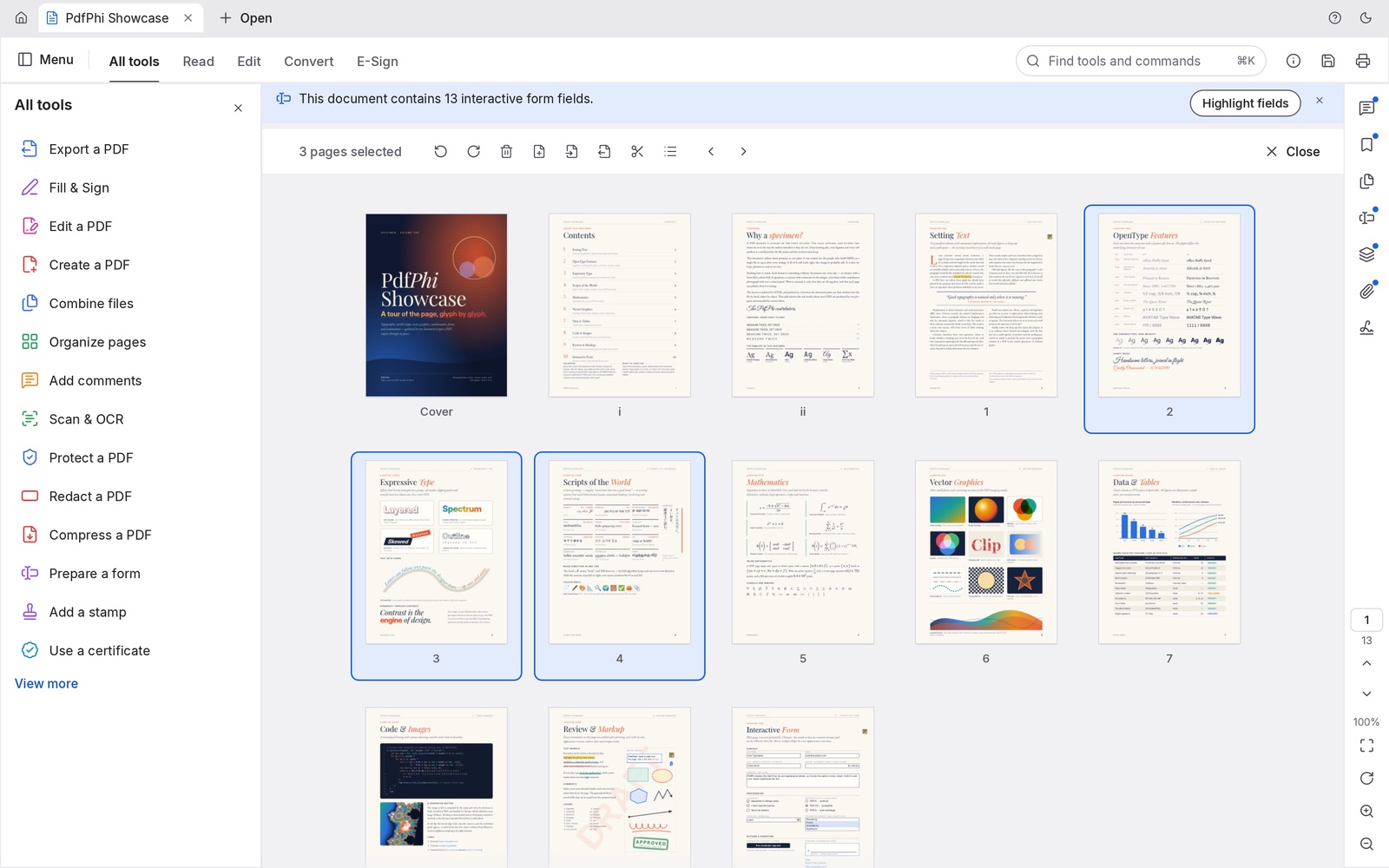
What survives the merge
A careless merge flattens documents or drops the parts that make them useful. PdfPhi copies pages as they are and rewires everything that points at them:
| Part of the PDF | After merging |
|---|---|
| Text | Stays real text: selectable, searchable and sharp at any zoom |
| Images | Copied without recompression, so quality doesn't drop |
| Bookmarks | Each file gets a bookmark, with its own bookmarks nested underneath |
| Links | Links and named destinations point at the copied pages |
| Form fields | Stay interactive, with their values |
| Layers and attachments | Layers keep their on/off defaults; attachments come along |
Tidy up before you send it
Once the pages are in one file, the rest of PdfPhi is a click away:
- Organize pages to rotate a sideways scan, delete a blank page or duplicate one.
- Number pages to stamp page numbers across the whole document.
- Compress a PDF to bring a scan-heavy file under an email size limit.
- Protect a PDF to add a password before it leaves your hands.
- Split document or Extract pages when you need to go the other way.
Merging into a document you already have open? Use in the Pages menu to drop another PDF's pages in at a chosen position, instead of building a new file.
Questions people ask
Is there a limit on how many PDFs I can merge?
PdfPhi sets no limit on the number of files or pages. Very large documents are limited only by your browser's memory.
Are my PDFs uploaded when I merge them?
No. PdfPhi runs in your browser. The files are read, combined and saved on your own device and are never sent to a server.
Can I merge password-protected PDFs?
Yes. Open the protected file in PdfPhi with its password, then use Insert pages from file to add the other PDFs to it. PdfPhi honours the document's permissions, so a file that forbids page changes needs its owner password.
Does merging reduce quality?
No. Pages are copied as they are, not re-rendered or recompressed, so text stays selectable and images keep their original quality.